
28 November - 4 December
Section outline
-

Learning Intentions
We are learning how to programme an Edison Robot
Success Criteria
I can launch EdScratch
I can select simple blocks to make an Edison Robot move
I can download a programme from my computer to Edison and run the programme
Activities
1. Go to this link https://www.edscratchapp.com/ to lauch EdScratch
2. Drag appropriate blocks (blue noving blocks) from the Blocks Pallet to the programming area
3. Download your programme to Edison, following the steps below
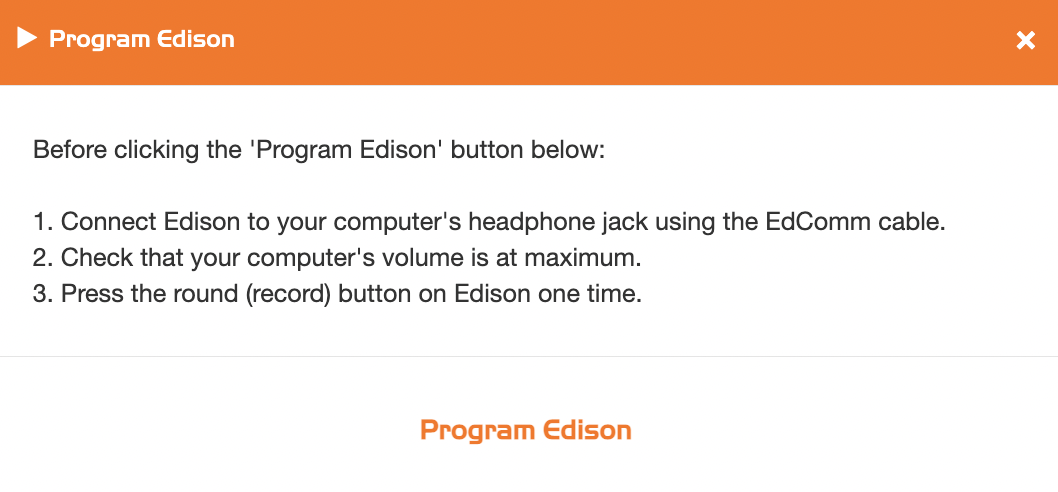
4. Run your programme by pressing the triangle "Play" button.