12 April - 18 April
Section outline
-
Kia Ora
Welcome to Week 11
WALT: You will be learning how to plan and construct your project using Inkscape software and the strip heater.
Success Criteria:
You will have an A3 page with your design layout. You must use a red outline and a stroke weight of 1. Any engraving must be done in black. Go to path >trace bitmap
Tracing an Image- Import a simple bitmap image (e.g. a *. jpg, *. png, *. ...
- Select the image with the Selector tool.
- In the menu, go to Path > Trace Bitmap .
- A dialog will open where you can set different options.
- When the result of the preview looks right, click on Ok . The result will be available right on the canvas.
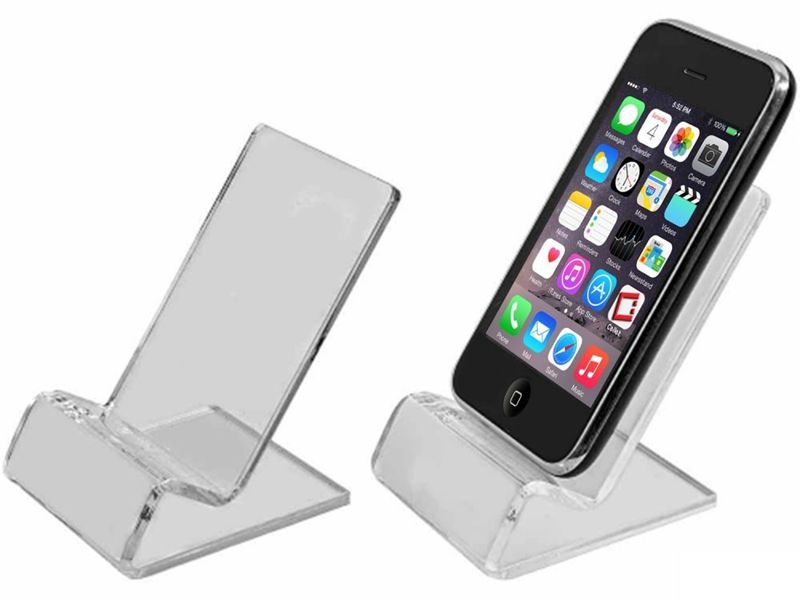
This will be the last week for you to finish your device holder.
Inkscape can be used to generate a template for the laser cutter to cut out your designs. Please download it from Inkscape.org
https://www.youtube.com/watch?v=x629C55iMZk
You then need to use the strip heater to bend your design to a 3D shape.