
Term1 Week9
Section outline
-


Big Idea:
Designing and making moodlight using picaxe micro controller
Learning Intentions:
begin programming a picaxe microcontroller
Achievement Objectives:
use a digital device to create an outcome
Success Criteria: I can/have...
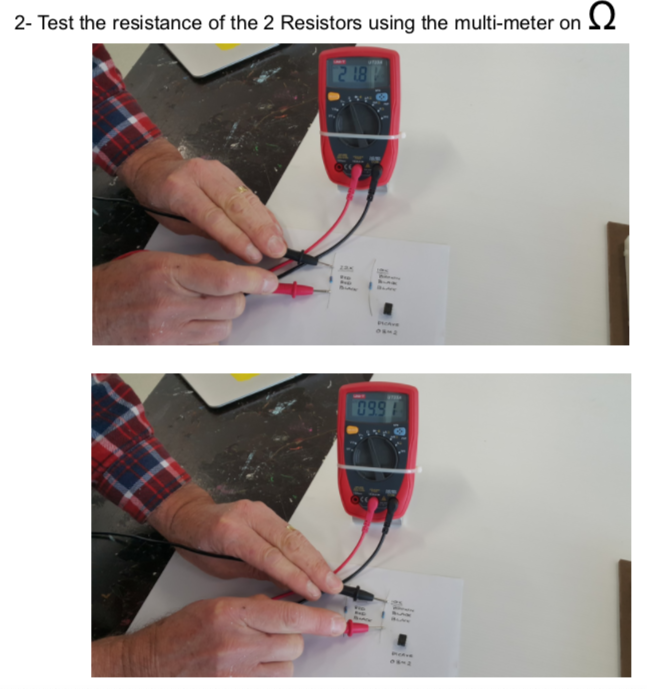
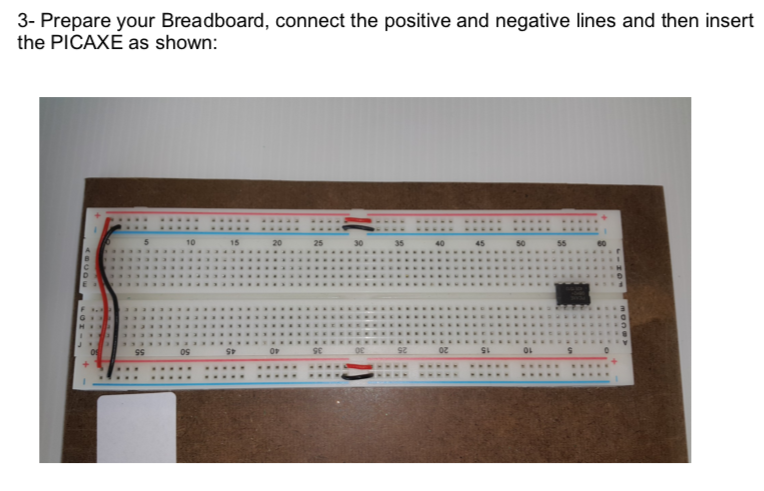
- constructed a bread board with picaxe
- downloaded a programme
- worked through the programme examples
Activities:
we are beginning to learn programming of a microcontroller
- go to the website - picaxe
- go to the downloads section
- download the software, for windows it is 'programming editor 6, for Mac it is Axepad, for chromebook you need to access the app 'Boxy
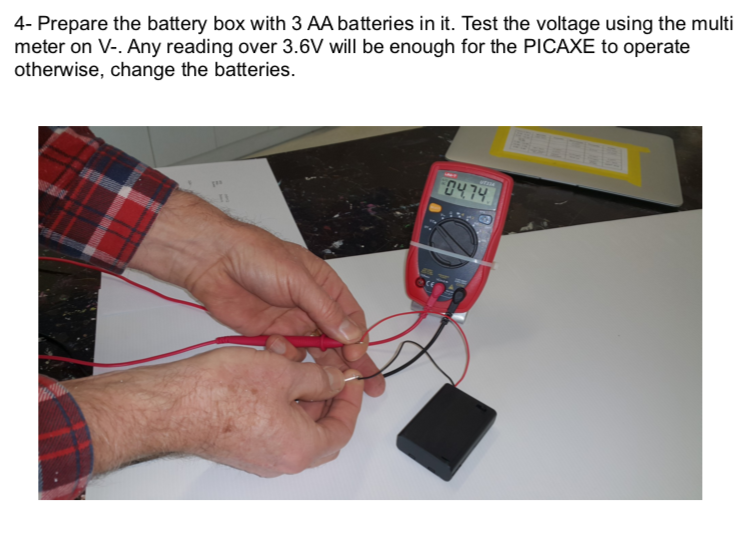
next stage is to set up your breadboard, this will be covered in class, test the setup, download and begin programming examples