Term 3 Week 2
Section outline
-

EXPLORE / TŪHURA learning intentions:
- We are EXPLORING.. .how to Arduinos are used for electronic projects by reading codes and displaying information.
- Success Criteria: I can/have
- Read the information below to become familiar with an Arduino
- Download the software for the Arduino
- become familiar with C++ programming. https://www.w3schools.com/cpp/default.asp
-
Follow the powerpoint presentations, tutorials and teacher's directions.
Introduction
Arduino is an open-source platform used for building electronics projects. Arduino consists of both a physical programmable circuit board (often referred to as a microcontroller) and a piece of software, or IDE (Integrated Development Environment) that runs on your computer, used to write and upload computer code to the physical board.
The Arduino platform has become quite popular with people just starting out with electronics, and for good reason. Unlike most previous programmable circuit boards, the Arduino does not need a separate piece of hardware (called a programmer) in order to load new code onto the board -- you can simply use a USB cable. Additionally, the Arduino IDE uses a simplified version of C++, making it easier to learn to program. Finally, Arduino provides a standard form factor that breaks out the functions of the micro-controller into a more accessible package.
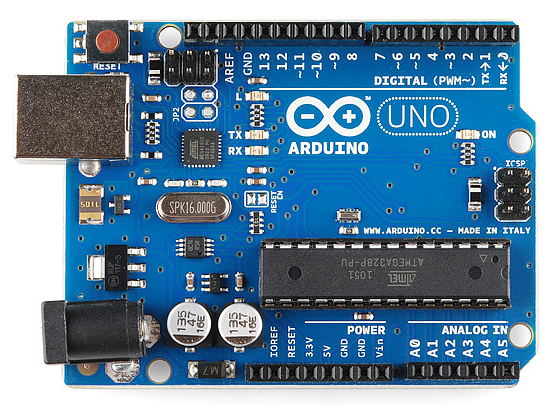 This is an Arduino Uno
The Uno is one of the more popular boards in the Arduino family and a great choice for beginners. We'll talk about what's on it and what it can do later in the tutorial.
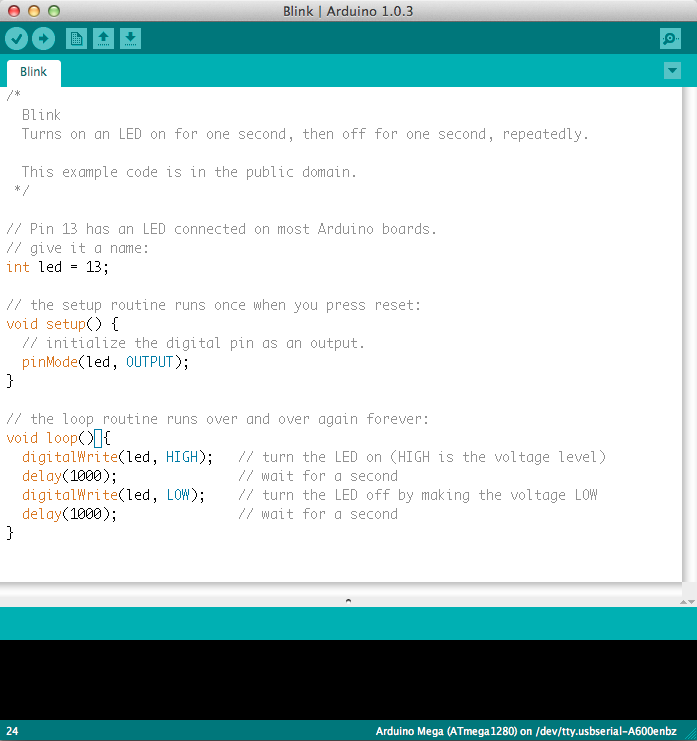
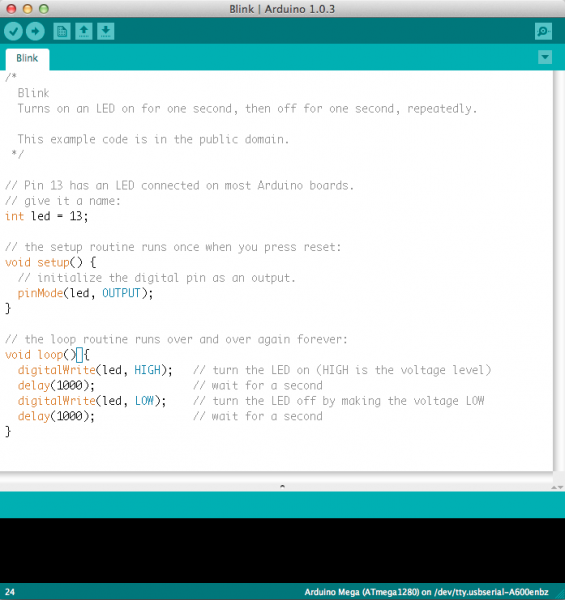 This is a screenshot of the Arduino IDE.
Believe it or not, those 10 lines of code are all you need to blink the on-board LED on your Arduino. The code might not make perfect sense right now, but, after reading this tutorial and the many more Arduino tutorials waiting for you on our site, we'll get you up to speed in no time!
Suggested Reading
Arduino is a great tool for people of all skill levels. However, you will have a much better time learning along side your Arduino if you understand some basic fundamental electronics beforehand. We recommend that you have at least a decent understanding of these concepts before you dive in to the wonderful world of Arduino.
The Arduino Family
Arduino makes several different boards, each with different capabilities. In addition, part of being open source hardware means that others can modify and produce derivatives of Arduino boards that provide even more form factors and functionality. If you’re not sure which one is right for your project, check this guide for some helpful hints. Here are a few options that are well-suited to someone new to the world of Arduino:
Arduino Uno (R3)
The Uno is a great choice for your first Arduino. It's got everything you need to get started, and nothing you don't. It has 14 digital input/output pins (of which 6 can be used as PWM outputs), 6 analog inputs, a USB connection, a power jack, a reset button and more. It contains everything needed to support the microcontroller; simply connect it to a computer with a USB cable or power it with a AC-to-DC adapter or battery to get started.
- We are EXPLORING.. .how to Arduinos are used for electronic projects by reading codes and displaying information.