Term 2: Week 5
Section outline
-
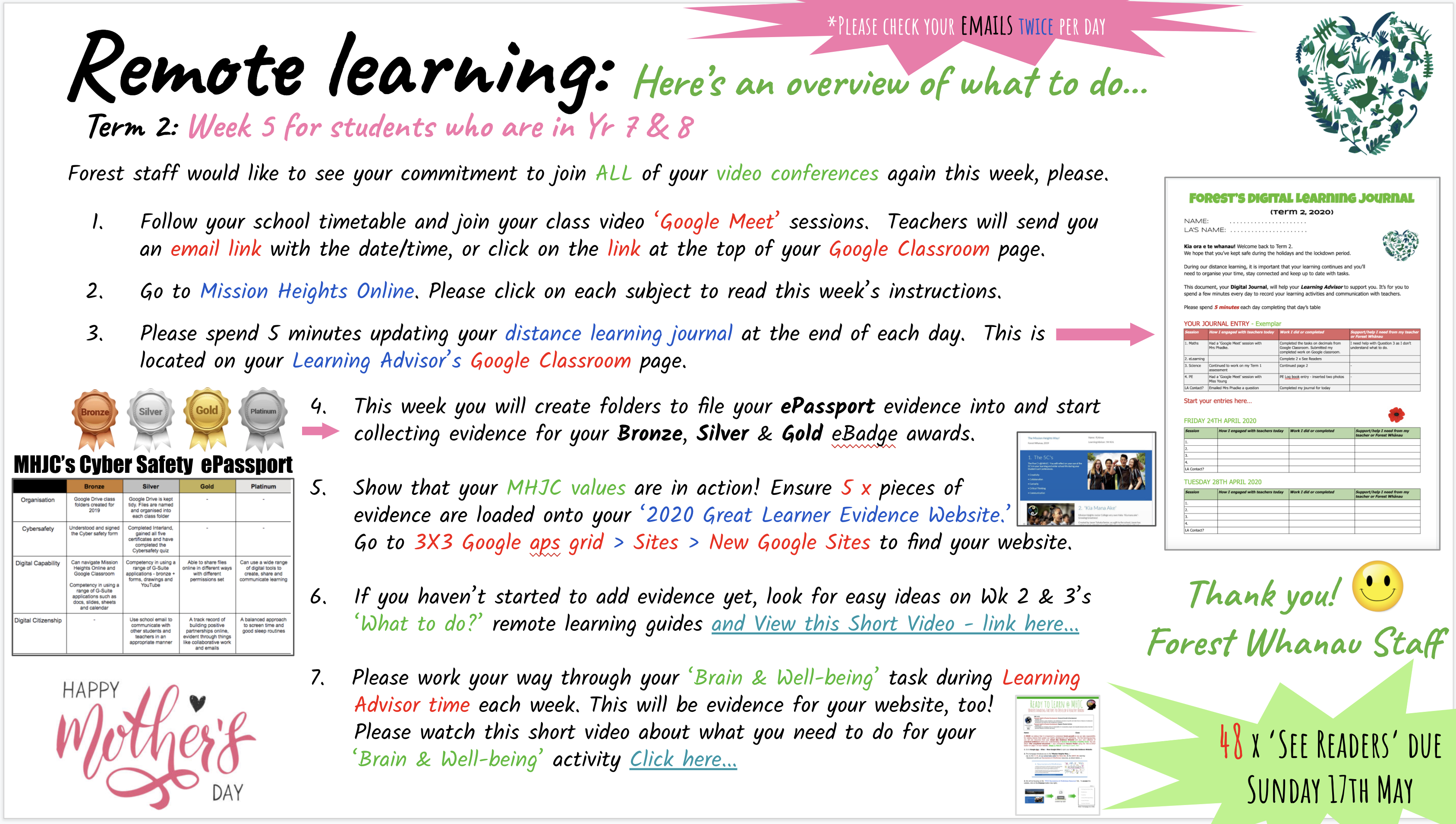
Welcome to Week 5's distance learning in Global Studies. This week you will be completing several aspects of your digital citizenship ePassport and uploading evidence to your Great Learner Evidence Website.
Thank you for continuing to follow your school timetable and checking your emails at least twice a day.
REFLECT / WHAIWHAKAARO learning intentions:
- We are REFLECTING on our capability in using digital technologies to achieve desired outcomes
- We are COLLECTING evidence of our learning for display on our Great Learner Evidence Websites
Success Criteria: 'I am a digitally fluent student, because...'
- I can find and access information quickly and accurately
- I can critique the relevance and accuracy of information
- I can produce and organise digital content
- I can consistently use digital technologies responsibly including social media, digital security (self-protection) and copyright
Activities: Our ePassport activities will be discussed during our Google Meet session at 12 noon on Monday 11th May.
1. On Monday, please navigate to our Google Classroom page. Click on 'Classwork' then the 'eLearning' tab 🙂👍
2. As a class, we will read through the 1. Home page, 2. the Organisation tasks link and 3. finally the Cyber safety tasks link.
3. Please create a 2020 folder in your Google Drive, then subfolders for each subject. Please also create an ePassport evidence folder, with the headings Bronze, Silver, Gold, and Platinum. Once you have filed your class documents, take an evidence 'screenshot' to show that you are well organised - this is your 'Bronze Badge' evidence.
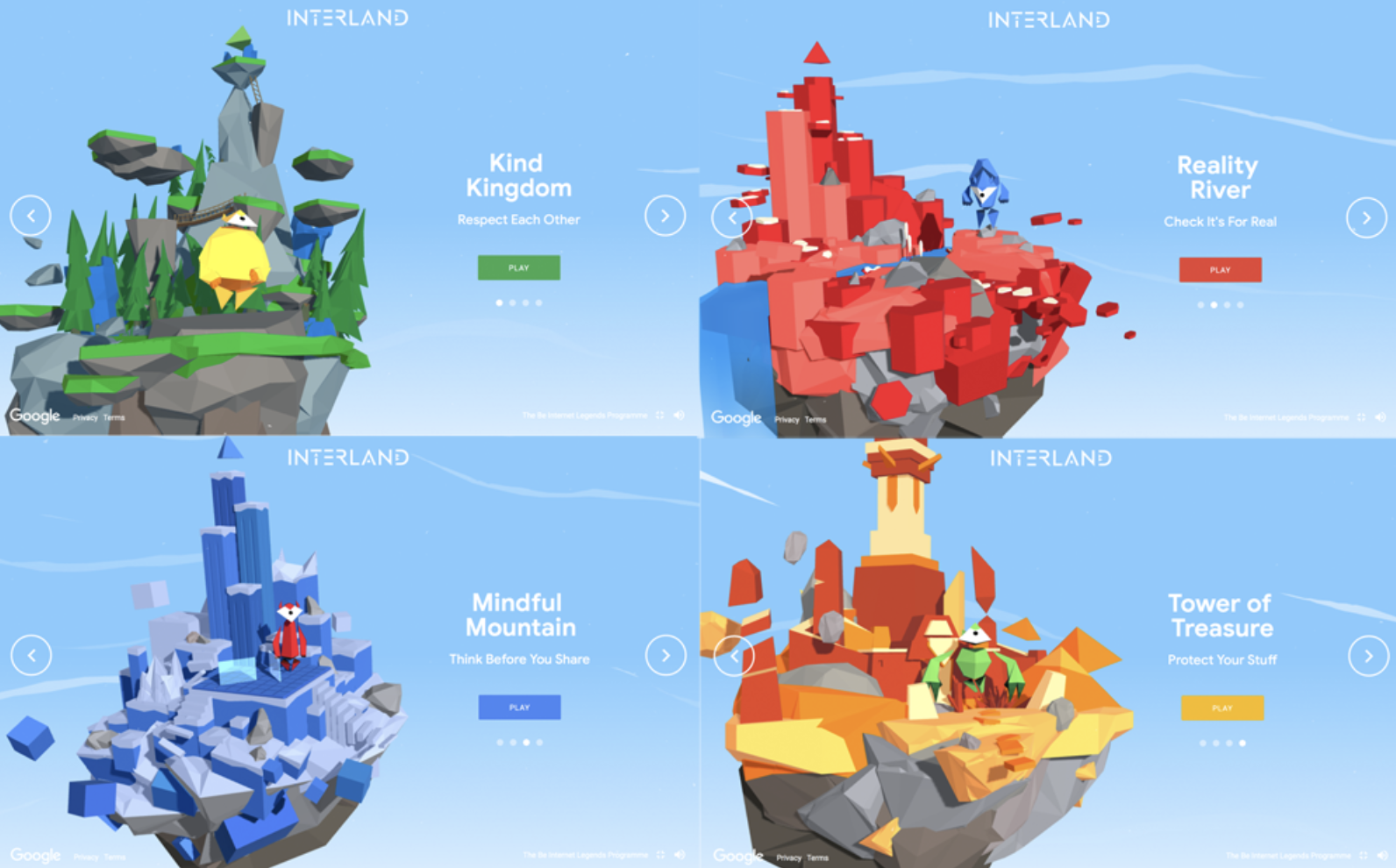
4. Start your Interland Games, to learn more about cyber safe behaviours that we require of you at MHJC. Take a screenshot of each of the 5 certificates you are required to earn and file these into your 'Silver Badge' evidence folder.
5. On Tuesday 12th May we will have our second Google Meet video conference at 11am. You will start to collect screenshot evidence of your Digital Capability tasks in your folder labelled, eg. use of Google Slides, Google Sites, Google Sheet, Google Calendar, etc. File these into your 'Gold Badge' folder.I am sure that you will really enjoy earning your ePassport eBadge this year. I shall look forward to talking to you during our Google Meet 'video-conference' sessions this week.